



A course on how to think in terms of AI capabilities for different HR tasks.
Tools-agnostic architectural thinking. We don't teach products — we teach the link HR task ↔ AI capability.
Instead of learning products, we show the 6 categories that all AI tools boil down to. Learn 6 words — understand 200.
A one-off question — a one-off answer.
«Write a job posting for a Senior Backend Engineer based on our requirements»
AI remembers context and documents across conversations.
An «Onboarding» folder with your policies — AI answers newcomers by your rules
AI connects to your systems and works with their data.
AI reads résumés from the ATS, compares them to the job, assigns a score
AI clicks through a system's interface for you.
AI logs into LinkedIn, searches for candidates, sends first messages
AI runs on its own on a schedule or trigger.
Every Monday — a hiring-funnel report for the week to your inbox
AI builds a mini-app for your task — without developers.
A salary-band calculator or an engagement-survey form in 15 minutes
Each lesson — one layer of architectural thinking. Together they spell out the acronym TARGET CRAFT. Click a number on the left — the lesson expands.
We learn to see a task through an architect's eyes, not an executor's.
Break any HR task into 5–7 subtasks and tell which of them are a fit for AI.
The task «fill the Backend Engineer role» breaks into 7 subtasks: write the posting · source candidates · screen résumés · make first contact · schedule the interview · collect interviewer scores · prepare the offer. 4 of 7 are a fit for AI.
We learn to choose among 6, not get lost among 200.
Map 5 recruiting subtasks to the right AI capability and justify the choice against 3 criteria.
Résumé screening is Connector (AI reads from the ATS, compares to the job). A Friday funnel report is Scheduled. A grade-level calculator is Vibe Coding.
We learn to design not only what AI does, but also what stays with HR.
Draw a RACI «AI – HR – Manager» for your task and define where AI acts alone and where HR is needed.
Performance review: AI collects feedback, prepares the summary, highlights patterns — but the decision on promotion, bonus or dismissal is made by HR together with the manager. That's the point where a human is needed.
We learn to connect data properly, not dump everything into one prompt.
Draw the data map for one People Analytics task at your company — what's needed and where it lives.
ENPS analysis by department: static — org structure and role titles. Periodic — quarterly surveys. Live — Slack activity metrics. Three sources — three ways to connect.
We learn to design not only what AI does, but also when it does it.
Design an AI-trigger map for your onboarding or engagement — what fires on its own and when.
A new hire in the ATS → AI triggers on its own the onboarding sequence: day 1 — welcome, day 3 — task checklist, day 14 — pulse survey. HR doesn't click every time.
We learn to build protection into the architecture from day one.
Assess the risks of your AI task and justify compliance readiness against an 8-point checklist.
AI résumé screening — risk of bias. Protection: AI doesn't see name/age/gender, a human makes the final decision, all rejections are logged with a reason — a log for GDPR.
From scattered layers — to one diagram you can show to the CTO and legal.
Assemble your task's architecture onto one page. A document the CTO, legal and CEO all understand.
The very document you saw in the hero of this page. That's the course output — a one-page architecture brief for your HR task.
From one task — to a new HR-architect role in the company.
Build a 90-day roadmap for rolling out AI in your HR function and a 12-month plan to reshape your own role.
Month 1: pilot AI screening on one role. Month 2: compare time-to-shortlist and quality-of-hire to baseline. Month 3: if OK — roll out to all Engineering roles.
The question isn't whether to use AI or not — it's whether you can embed it systematically.
Not because AI doesn't work.
Because it's deployed without architecture — chaotically, piecemeal, in one-off prompts.
62% of HR functions use AI somewhere in the company — but only 39% inside HR itself. The HR function lags behind the rest of the organization.
of organizations have already eliminated outdated roles to adapt to the AI era. The window to redesign the HR function is closing.
The course alone — $500. But for +$500 on top you get access to 160+ academy courses for a year. The best offer is highlighted in the center.
Watch the lessons at your own pace, everything is recorded. Between lessons — homework on your own case. All materials stay in your dashboard for a year.
Each lesson — 45 minutes of video in your personal dashboard. Watch at your own pace, pause and come back any time.
Every lesson comes with homework on your end-to-end case. Homework is reviewed — required to earn the diploma.
A private Telegram chat for course students. We discuss cases, share prompts, work through tricky situations between lessons.
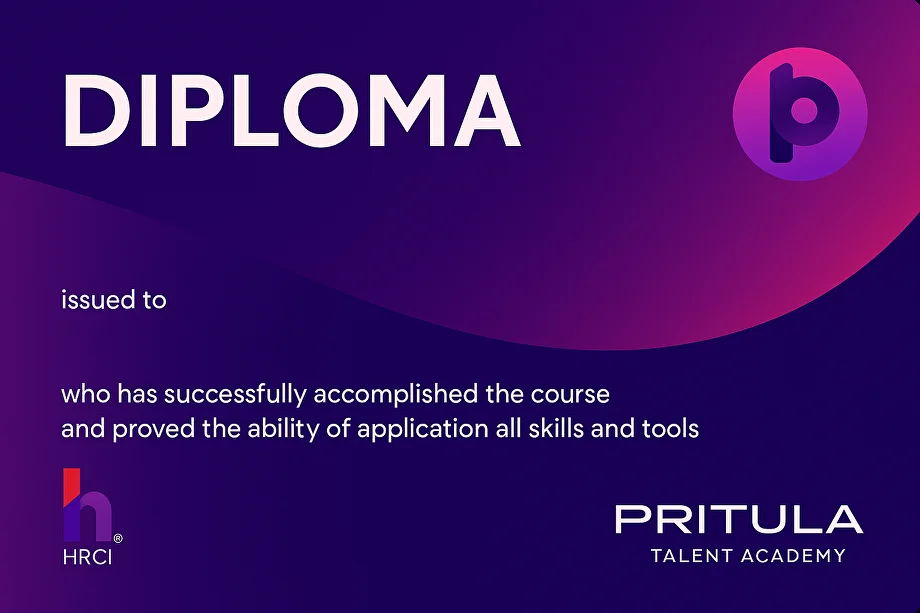
After all homework is submitted — a verifiable diploma with a QR code. Add it to LinkedIn in one click.
Want to try — exactly how we teach you to think architecturally? Subscribe to the academy's Telegram bot — I'll send the first lesson and the TARGET CRAFT template as a gift.
After all homework is submitted — a verifiable diploma on the Accredible platform. The same one issued by academies of business schools and universities worldwide.
A QR code and a unique URL on Accredible. An employer verifies authenticity in one click.
RU · UA · EN — you choose the diploma language when you finish the course.
The «Add to LinkedIn» button — and the diploma appears in the Licenses & Certifications section.
Before you hit «Buy» — answers to 10 common questions. If something's still unclear — message support, we reply within a day.
No. The course is about architectural thinking, not code. Vibe coding is mentioned as one of the 6 capabilities in the palette, but at a high level: what it is and when it applies, without teaching programming itself.
No. The course is tools-agnostic. You can apply architectural thinking with any AI tool, including free versions.
Most courses teach how to use AI in specific HR functions (recruiting, assessment, learning). AI ARCH teaches how to think about the link HR task ↔ AI capability so the knowledge stays valid as new products appear. It's the difference between a subject and a way of thinking.
Yes, if you've already used ChatGPT, Claude or Gemini at least 5–10 times for one-off tasks. If you have no experience at all — it makes sense to take a basic AI course first or work with AI for a week or two, then come here.
Yes. C-level gets a framework for setting tasks for the HR team or external consultants. The end-to-end case «take your own company and design an AI solution» works even for those without a formal HR function.
One 45-minute lesson + 1–2 hours of homework. You can go at a comfortable pace — all materials are available in your personal dashboard for 1 year.
A Mike Pritula Academy diploma on the Accredible platform with a unique code and QR. A one-page architecture brief for your HR task. The «Add to LinkedIn» button adds the diploma to Licenses & Certifications. The condition — completing all 8 homework assignments.
Each assignment is reviewed by the academy's curators against criteria tied to the lesson's Learning Objectives. You get feedback on every assignment.
Access to recordings of all 8 lessons for 1 year, homework review, a diploma at the end, access to the Telegram chat for course students.
Yes. The team subscription at $2,500 / year gives access to all 160+ academy courses for a team of up to 10 people, including AI HR Architect.
The academy's support replies within a day. Pick whichever channel suits you.